

In March 2024, LAPD’s Wilshire Division warned residents about a burglary crew that used Wi-Fi jammers to knock wireless cameras and alarms offline before going in through second-story balconies. Since then the tactic has come up again and again in Los Angeles news. Many homeowners we talk to now ask whether their cameras would even record a break-in.
The short answer: a jammer can silence many wireless devices, but a well-planned system keeps recording and keeps calling for help. This guide explains what jammers do, what police have actually reported, and the changes that make the biggest difference, starting with the ones that cost nothing.
Key takeaways
- Wi-Fi jammers are illegal to use, sell or market in the U.S., but they are still being used in L.A. burglaries.
- A jammed Wi-Fi camera usually just shows up as offline and records nothing.
- Hard-wired (PoE) cameras that record locally, an alarm with cellular backup and a locked network rack keep working when Wi-Fi is flooded.
- Lighting, visibility and good habits still do a lot of the work.
What police in Los Angeles have reported
The Wilshire Division alert described a crew of three to four people, with a getaway driver acting as lookout, targeting primary bedrooms for jewelry, purses and cash. One suspect carried a small device that jammed Wi-Fi as they approached the house, and police recommended moving to an alarm system that is hard-wired rather than running on a wireless signal (KTLA, Beverly Press).
In March 2025, LAPD Chief Jim McDonnell called jammers a “universal key” for burglars (NBC Los Angeles). In July 2025 he said local crews in the west San Fernando Valley had copied the methods of organized “burglary tourism” crews. Those methods include jammers, cut phone and data lines, and cameras left in parked cars to learn when a family comes and goes (NBC Los Angeles).
Keep this in proportion. ABC7 reported in March 2026 that LAPD counted 1,437 burglaries and break-ins citywide so far that year, down from just over 2,100 for the same period of 2025 (ABC7). Jammers are a real tactic, but most homes will never meet one. The point is to make sure your system doesn’t depend on a single wireless link.
How a Wi-Fi jammer affects cameras and alarms
A jammer is a radio transmitter that floods a frequency band with noise. Wi-Fi uses the 2.4 GHz and 5 GHz bands (and 6 GHz on newer gear). When those bands are drowned out, a battery or Wi-Fi camera can’t reach your router. Most consumer cameras then can’t upload video or send an alert. In the app the camera simply shows as offline. Nothing looks broken; it just goes quiet.
The FCC is clear that jammers are illegal. Operating, manufacturing, marketing, selling or importing one is a federal violation, and there is no exception for personal use (FCC, Jammer Enforcement). That doesn’t stop criminals, but it means you can’t legally buy one to test your own system. The FCC page also lists the signs of jamming: wireless service suddenly failing in an area that normally has good coverage, often across several devices at once.
Not every wireless link uses Wi-Fi. Ring Alarm sensors, for example, talk to the Base Station over Z-Wave rather than your Wi-Fi network (Ring). That makes a Wi-Fi-only jammer less of a problem for door and motion sensors. Jammers are sold for many bands, though, so we don’t treat any radio link as immune. The goal is layers that fail differently.
Layer 1: hard-wired cameras that record locally
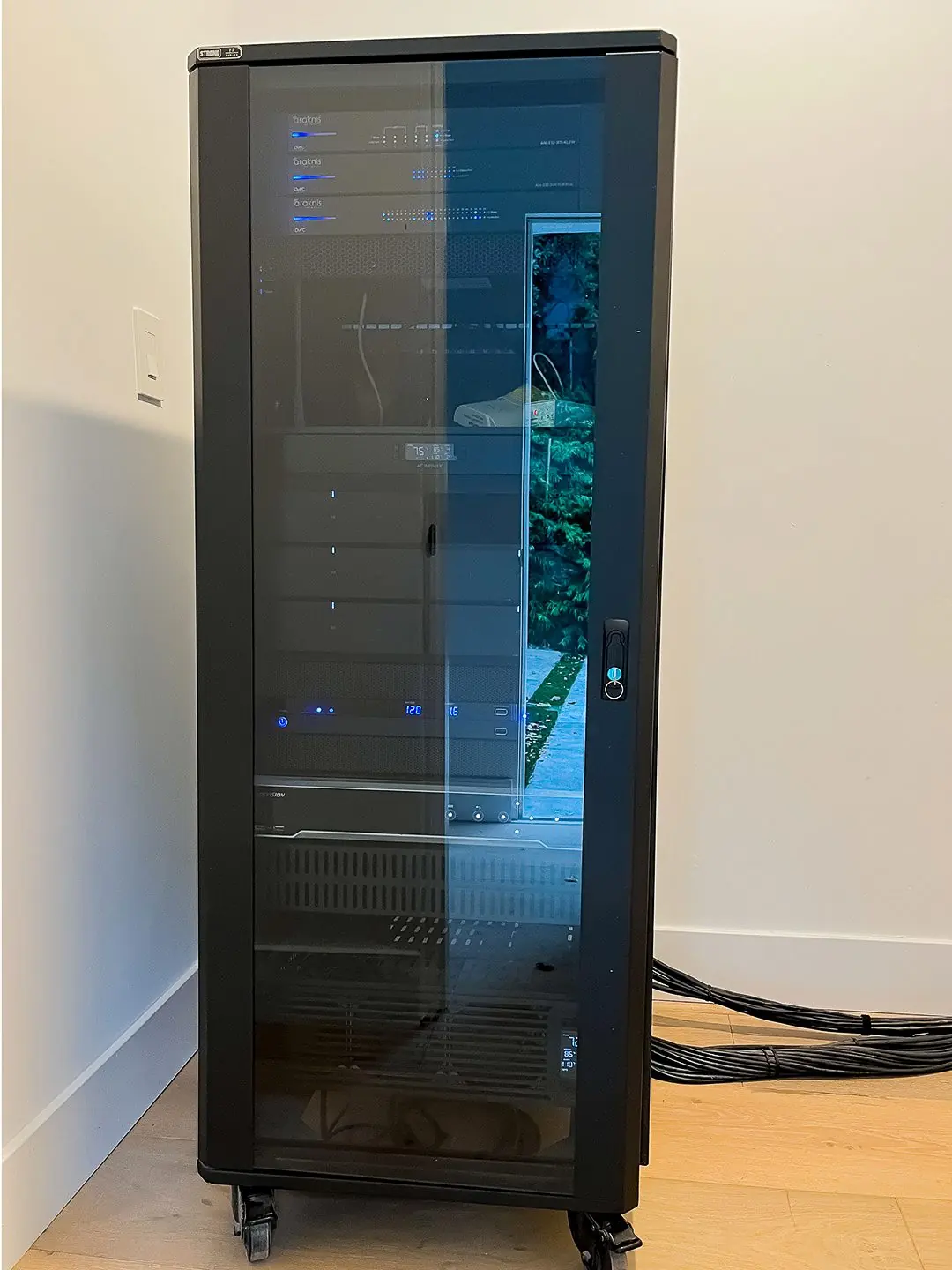
The most effective upgrade is to stop relying on Wi-Fi for the cameras that matter: the front door, driveway, side yards and back door. A Power over Ethernet (PoE) camera gets power and data through one Ethernet cable, so radio noise doesn’t affect its connection. Pair it with a recorder (an NVR) inside the house and video is saved even if someone cuts the internet line outside.
- Record on site, back up off site. Local recording keeps footage when the internet is down. Cloud backup keeps a copy if the recorder is stolen.
- Hide and protect the recorder. LAPD’s alert specifically advised making sure the alarm DVR is secure and can’t be tampered with (KTLA). A locked rack or closet is better than a shelf in the office.
- Mount cameras where they’re hard to reach. A security expert interviewed by ABC7 suggested eight to ten feet off the ground: high enough to discourage tampering, low enough to capture a face. He also pointed out that an exposed camera cord can simply be cut (ABC7).
- Overlap the views. Each camera should see the area just beyond the next one, so there are no blind spots to walk through.
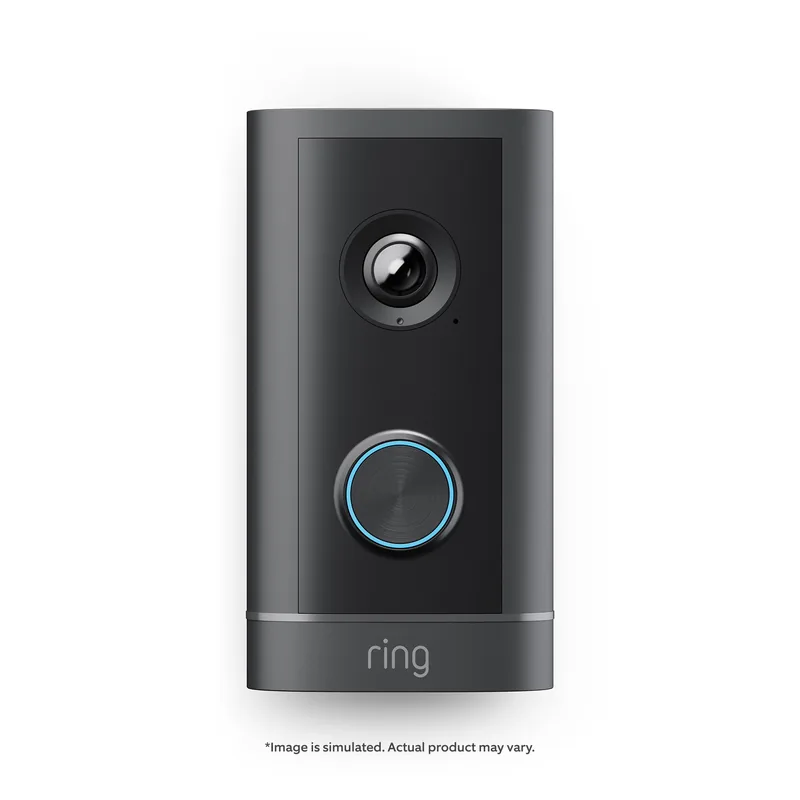
If you use Ring, there are wired options too. The Wired Doorbell 4K Elite runs on PoE+ over a Cat5e or better cable (Ring), and Ring Alarm Pro can store video from compatible 1080p Ring cameras locally on a microSD card with Ring Edge (Ring). Both need a compatible subscription for some features, so check what’s included before you plan around them.
Layer 2: an alarm that keeps calling for help
An alarm only protects you if the signal gets out. Two things matter:
- A wired internet connection to the alarm panel, instead of Wi-Fi, where the panel supports it.
- Cellular backup. Ring, for example, says that whenever the Ring Alarm Base Station loses its internet connection, for any reason, cellular backup takes over so monitoring continues. This requires a compatible subscription. Ring also notes that if the Base Station goes offline, the system stays armed and the siren still works (Ring).
Ask your alarm provider two direct questions: how does the panel report to the monitoring center if Wi-Fi and the internet line are both gone, and does the panel alert you when its radio is being interfered with? The answers tell you more than any spec sheet.
Layer 3: protect the infrastructure
Crews have been reported cutting phone and data lines (NBC Los Angeles). A few simple measures help:
- Padlock the electrical panel and utility boxes, as LAPD recommended (KTLA).
- Put the modem, router, switch and recorder on a battery backup (UPS), so a short power cut doesn’t take cameras offline.
- Run exterior cables through conduit or inside walls, not along the eaves.
- Keep the network rack in a locked closet away from the primary bedroom, which is where burglars usually head first, according to the same ABC7 report.
Layer 4: the basics that still work
Police advice in every one of these reports sounds familiar, because it works:
- Lighting on a schedule, and lights that switch on with motion at night. Smart lighting can also make the house look lived-in while you travel.
- Trim shrubs and trees so doors, windows and balconies are visible from the street.
- Bar sliding doors with a pole, and don’t post travel plans or mention them to drivers.
- Visible alarm signs. An LAPD captain told ABC7 that clear signage is a real deterrent.
- Bolt any safe to the floor. A Sheriff’s Department lieutenant gave the same advice in that report.
Should you buy a jammer detector?
Detectors that sense the radio flood from a jammer are now sold to homeowners, starting at a few hundred dollars according to ABC7. They can be useful on a larger property, but they only tell you something is happening. They don’t keep your cameras recording. If budget is limited, spend it first on wiring the cameras that cover your entry points and on cellular backup for the alarm.
What we do in Los Angeles homes
When we design security for a home, we start from one rule: no single cable, radio or internet line should be able to blind the system. In practice that usually means PoE cameras at the entry points, local recording plus a cloud copy, an alarm panel with cellular backup, a locked rack on a UPS, and Wi-Fi cameras only where running a cable isn’t practical. As a Ring Authorized Partner we also set up wired Ring doorbells, cameras and Ring Alarm for clients who prefer the Ring app. See our security cameras and smart access and Ring security installation pages for what that looks like.
Frequently asked questions
Can a Wi-Fi jammer stop my Ring doorbell from recording?
A battery or Wi-Fi-connected doorbell needs Wi-Fi to upload video, so a jammer can stop it from sending clips or alerts while it is active. A doorbell wired with PoE keeps its network connection. Video from compatible 1080p Ring cameras can also be stored locally on Ring Alarm Pro with Ring Edge.
Are Wi-Fi jammers legal?
No. The FCC says it is illegal to operate, market, sell or import a jammer in the U.S., and there is no exception for personal or business use.
Do I have to replace all my wireless cameras?
No. Start with the cameras that cover entry points, such as the front door, driveway, side gates and back door, and wire those. Wireless cameras are still useful elsewhere, and a camera that records to its own memory card is better than none.
Will my alarm still work if the internet is cut?
It depends on the panel. Look for a system with cellular backup. Ring, for example, switches the Base Station to cellular when internet is lost, with a compatible subscription, and the siren keeps working even if the Base Station goes offline.
Want a system that can’t be switched off with one device?
We’ll walk your property, show you where the weak points are and give you a clear plan before any work starts.
Related reading
Sources
- FCC, Jammer Enforcement
- KTLA, Police warn of thieves using wifi-jamming tech to disarm cameras, alarms (March 4, 2024)
- Beverly Press, Police warn about burglary crew (March 2024)
- NBC Los Angeles, Burglars are using WiFi jammers to break into homes (March 17, 2025)
- NBC Los Angeles, LA burglars adopting new techniques to select homes, avoid capture (July 29, 2025)
- ABC7 Los Angeles, Experts explain how to protect your home (March 13, 2026)
- Ring, What to know if your Ring Alarm goes offline; Ring Edge and Ring Alarm Pro; Wired Doorbell 4K Elite