
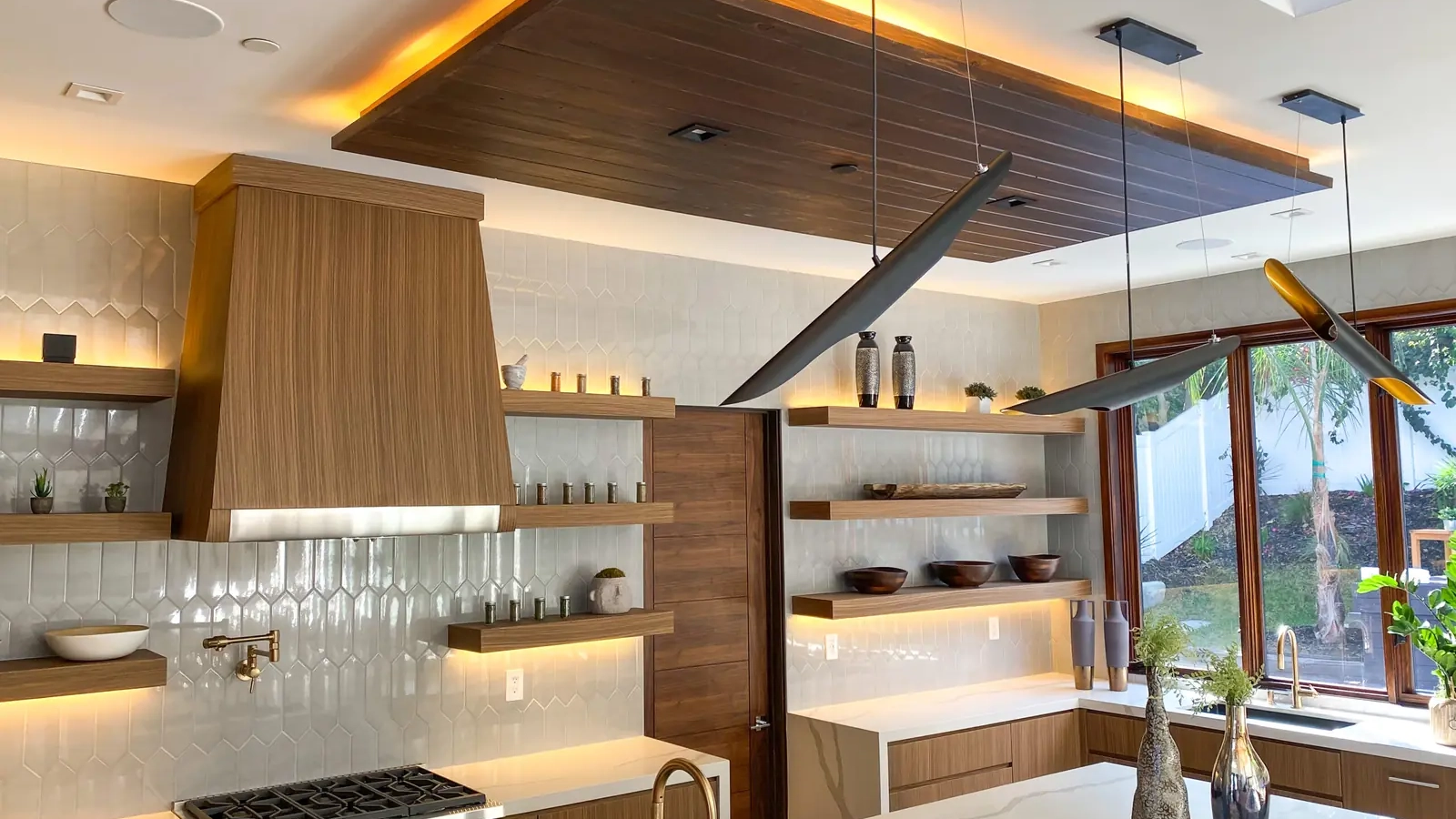
Smart bulbs are where most people start with smart lighting, and where many get frustrated. Someone flips the wall switch, the bulb loses power, and the app shows it as unreachable. In a finished home the better answer is usually to replace the switch, not the bulb. Lutron is the brand we install most for that, because its dimmers keep working like ordinary switches even when the internet doesn’t.
This guide covers what you need to know before adding Lutron to a home that’s already built: the neutral-wire question, Caséta versus RadioRA 3, three-way switches, and how it all connects to Apple Home.
Key takeaways
- Smart switches and dimmers beat smart bulbs in most rooms: the wall switch always works and guests don’t break anything.
- Many older L.A. homes have no neutral wire in the switch box. Lutron makes dimmers that don’t need one.
- Caséta suits smaller projects; RadioRA 3 is the professionally designed whole-home system with custom keypads.
- Lutron uses its own radio, not your Wi-Fi, and the Smart Hub connects to Apple Home.
Why switches, not bulbs
A smart bulb only works when its fixture has power. Turn off the switch on the wall and it’s gone until someone turns it back on. A smart dimmer replaces the switch itself, so it controls whatever fixtures are on that circuit: recessed cans, pendants, under-cabinet strips. You can still press it like a normal switch.
That matters most in kitchens and living rooms with six or eight recessed lights on one switch. Replacing one dimmer is simpler, cheaper and more reliable than eight smart bulbs.
Smart bulbs still have their place: lamps, a color accent in a kid’s room, or a rental where you can’t change the wiring.
The neutral-wire question
Most smart switches need a neutral wire in the wall box to stay powered when the lights are off. The National Electrical Code now requires a neutral at most switch locations (Section 404.2(C)) precisely so smart controls can be added later (EC&M). Many L.A. homes, from 1920s Spanish revivals to mid-century hillside houses, were wired long before that rule.
If you open a switch box and see only two insulated wires plus a bare ground, there’s probably no neutral. That’s where Lutron stands out: the Caséta original smart dimmer is made to work without a neutral wire and dims up to 150 W of dimmable LEDs (Lutron Caséta). Some other Lutron switches and fan controls do need a neutral, so always check the model before buying.
A few cautions we give every client:
- Turn off the breaker and test the wires before touching anything. If you’re not comfortable with that, hire a licensed electrician or an installer.
- Use dimmable LED bulbs. Non-dimmable LEDs on any dimmer can flicker or buzz.
- Watch for crowded boxes. A smart dimmer is larger than a basic switch; old shallow boxes sometimes need extra room.

Three-way switches without new wiring
Hallways and staircases often have a light controlled from two places. Rewiring a three-way circuit in a finished wall is messy. With Caséta, one location gets the smart dimmer and the other gets a Pico wireless remote, which can sit in a wall plate like a normal switch. Lutron describes this as adding a second “switch” anywhere without wires (Lutron Caséta).
The same trick works for adding a switch where there never was one: by the bed, at the bottom of a stair or next to a sliding door.
Caséta or RadioRA 3?
Both come from Lutron and both use Lutron’s Clear Connect radio rather than Wi-Fi. The difference is scale and design.
Caséta is designed for homeowners and smaller projects. Lutron says a dimmer installs in about 15 minutes, and the Smart Hub adds the Lutron app with scenes, schedules, a sunset-tracking timer and a “Smart Away” mode that turns lights on and off while you travel (Lutron Caséta). It’s a great fit for a condo, a few key rooms or a first project.
RadioRA 3 is Lutron’s whole-home system, designed and programmed by a trained installer (Lutron). It adds Sunnata keypads with engraved buttons (“Dinner,” “Movie,” “Goodnight”), more devices per home, shades, and more detailed programming. It makes sense in larger homes, in rooms with many lighting zones, or when you want a single button by the door that turns the whole house off.
A simple rule: if you can name every switch you want to replace on one hand, start with Caséta. If you’re thinking in terms of scenes and keypads across the whole house, talk to someone about RadioRA 3.

Works without Wi-Fi, and with Apple Home
Because Lutron uses its own radio, it doesn’t add traffic to your Wi-Fi network. If the internet drops, the switches still work by hand and Pico remotes keep controlling the lights they’re paired with. Lutron says the Caséta Smart Hub works with Apple HomeKit, Alexa, Google Assistant, Sonos and more (Lutron Caséta).
For Apple Home users, that means your Lutron lights appear in the Home app, respond to Siri, and can be part of Apple Home scenes and automations alongside locks, shades and thermostats. One tip: plug the Lutron hub into your router or switch with Ethernet and give it a fixed spot. When Lutron lights stop responding in Apple Home, the cause is often the hub losing its network connection, not the dimmers.
Scenes that actually get used
The lighting setups people love aren’t complicated. The ones we set up most often:
- Good morning: kitchen and hallway on at a soft level before sunrise on weekdays.
- Dinner: pendants over the table up, recessed lights down, under-cabinet lights at half.
- Night path: a low hallway and bathroom level after midnight, so no one gets blinded.
- Away: lights on and off in a natural pattern while you travel.
- All off: one button by the door or bed that turns off the whole house.

Frequently asked questions
Do Lutron smart switches need a neutral wire?
Some do and some don’t. The Caséta original smart dimmer is designed to work without a neutral, which makes it a common choice for older homes. Check the specific model before you buy.
What’s the difference between Caséta and RadioRA 3?
Caséta is designed for homeowners and smaller projects, with an app and Pico remotes. RadioRA 3 is Lutron’s whole-home system, designed and programmed by a trained installer, with custom engraved keypads and more advanced scenes.
Does Lutron Caséta work with Apple Home?
Yes. With the Caséta Smart Hub, Lutron dimmers and switches appear in the Apple Home app and work with Siri, scenes and automations.
Will my lights still work if the internet goes down?
Yes. Lutron dimmers work at the wall like normal switches, and they use Lutron’s own radio rather than Wi-Fi. Remote control from outside the home needs the internet.
Ready for lighting that just works?
We design and install Lutron lighting in finished homes and remodels across Los Angeles, with clean wall plates and scenes your family will actually use.
Related reading
- Home Network Best Practices: A Checklist for a Reliable, Secure Smart Home
- Integrated Controls with Apple Home
Sources
- Lutron Caséta, Original Smart Dimmer Switch
- Lutron Caséta, Smart Hub
- Lutron, RadioRA 3
- EC&M, NEC Requirements for Switches