
Sonos is one of the easiest ways to put music in every room, and one of the easiest to get slightly wrong. The speakers are rarely the problem. Most complaints we hear, like music cutting out, a speaker vanishing from the app, or a Sub that drops every few days, come down to how the system was planned and connected to the network.
Here’s how we design Sonos systems in Los Angeles homes, room by room. It works whether you’re starting with two speakers or wiring a whole house during a remodel.
Key takeaways
- Decide room by room what you want: background music, a party zone, or a real home theater.
- Choose visible speakers or in-ceiling/in-wall speakers early. Architectural speakers need wiring before drywall.
- Connect Sonos either all wired or all wireless. Mixing them carelessly is the most common cause of dropouts.
- Only the soundbar in a home theater should ever be wired. Surrounds and the Sub connect to it wirelessly.
Step 1: Start with how each room is used
Before picking a single product, walk through the house and decide what each space needs:
- Background music: kitchen, bathrooms, hallways, primary suite. Easy volume, even coverage, nothing in the way.
- Entertaining: the great room and patio, where people gather and the music gets turned up. These rooms need more speakers, not just louder ones.
- TV and movies: the family room or media room, where dialogue clarity and bass matter most.
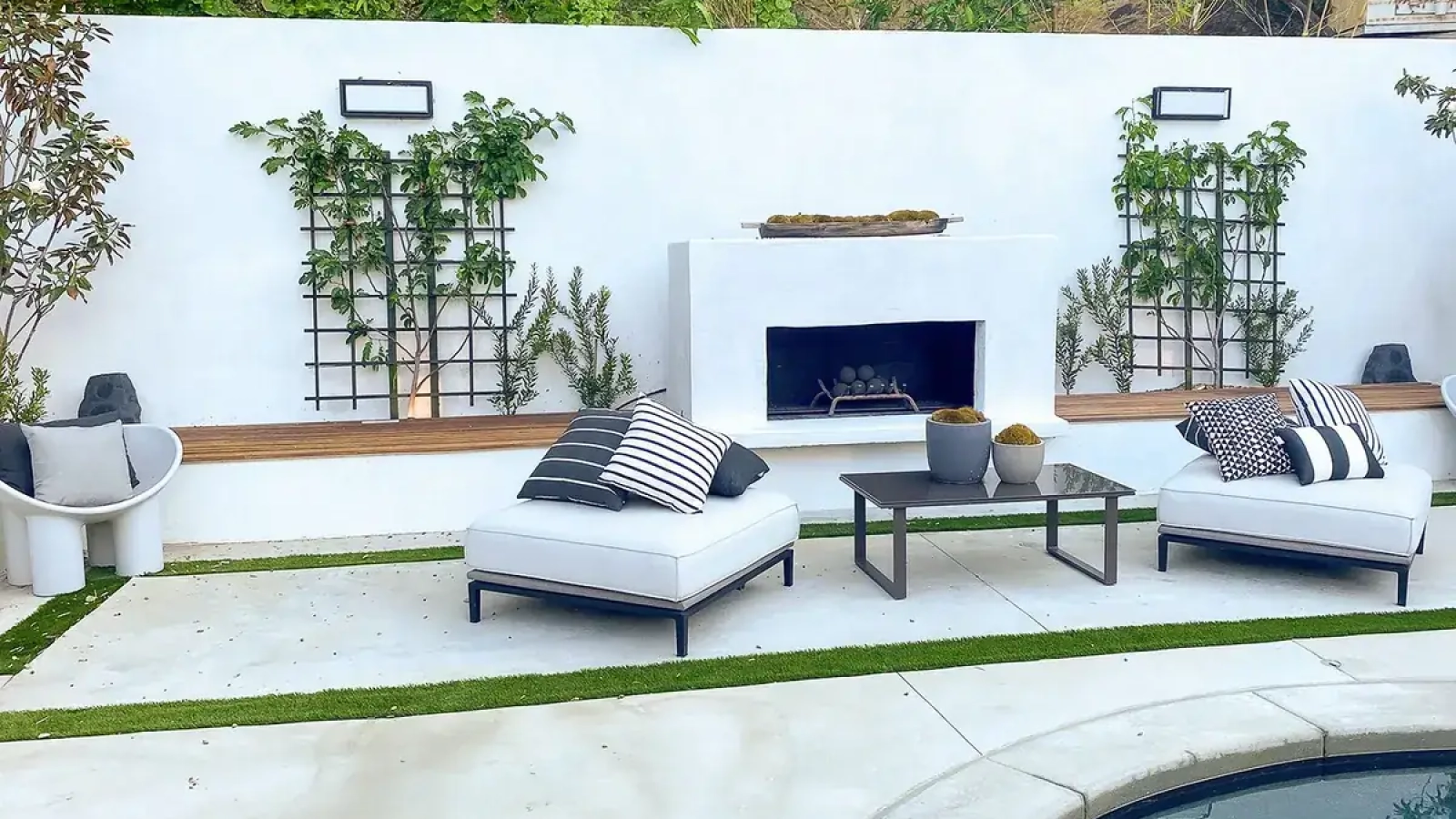
- Outdoors: pool, deck, garden. Outdoor-rated speakers and a plan for keeping the neighbors happy.
Then think about grouping. Sonos lets you play the same thing everywhere or something different in each room. A useful test: which rooms do you always want playing together? Those are often better as one zone with several speakers than as several separate rooms.
Step 2: Visible speakers or architectural speakers
This is the decision that affects your walls, so make it early.
Visible speakers (Era, Five, the soundbars) are the simplest. Each one has its own amplifier and connects to Wi-Fi, so all you need is power. They’re ideal for finished homes and rooms you may rearrange.
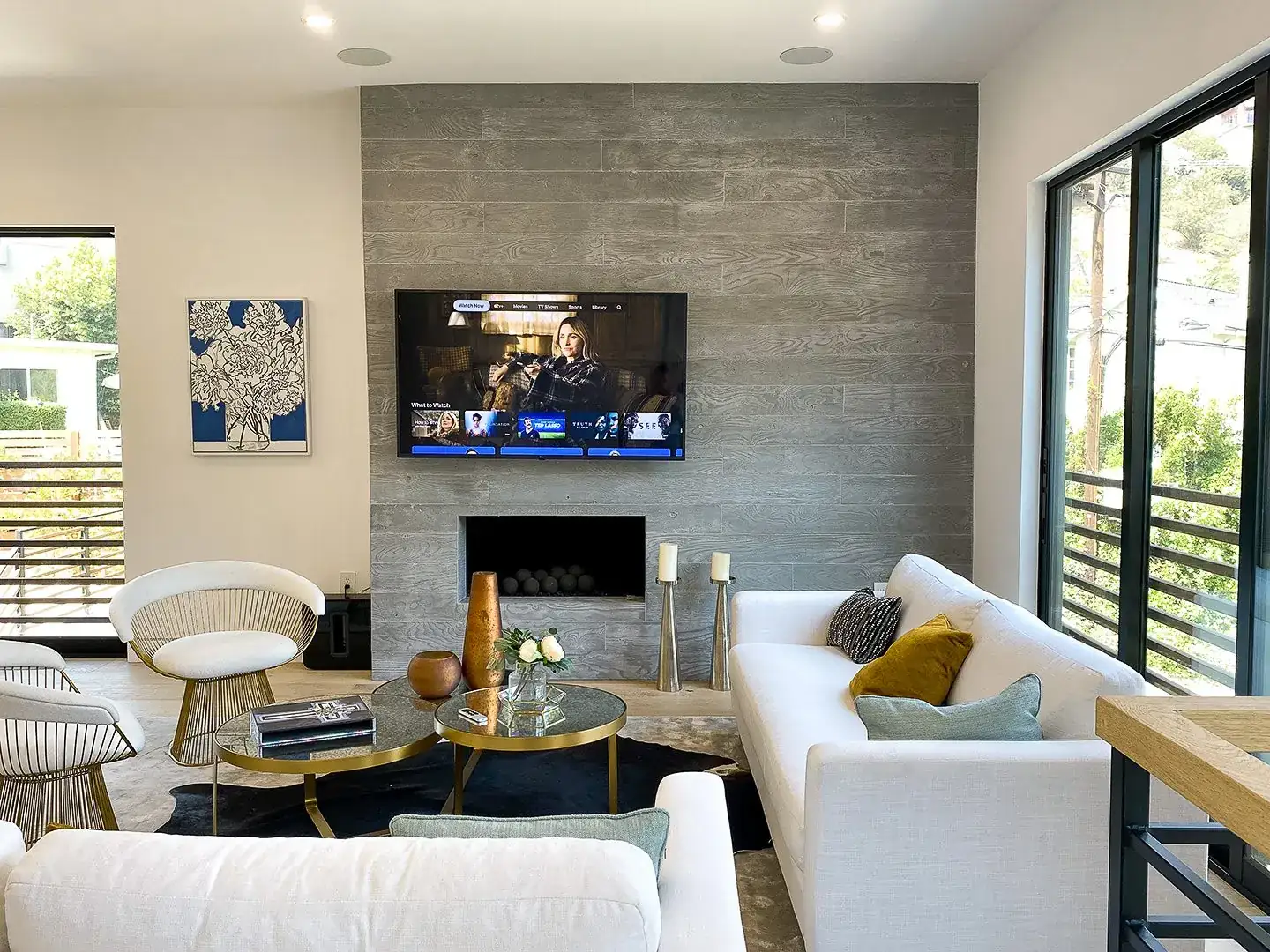
Architectural speakers sit flush in the ceiling or wall and are powered by a Sonos Amp in a closet or rack. They disappear into the room, which is why designers love them, and they give even coverage in large or open spaces. Sonos says one Amp can drive up to three pairs of Sonos Architectural speakers, or two pairs of 8-ohm third-party speakers (Sonos). The trade-off is that each speaker needs a cable run back to the Amp, which is easy with open walls and much harder after the drywall is done.
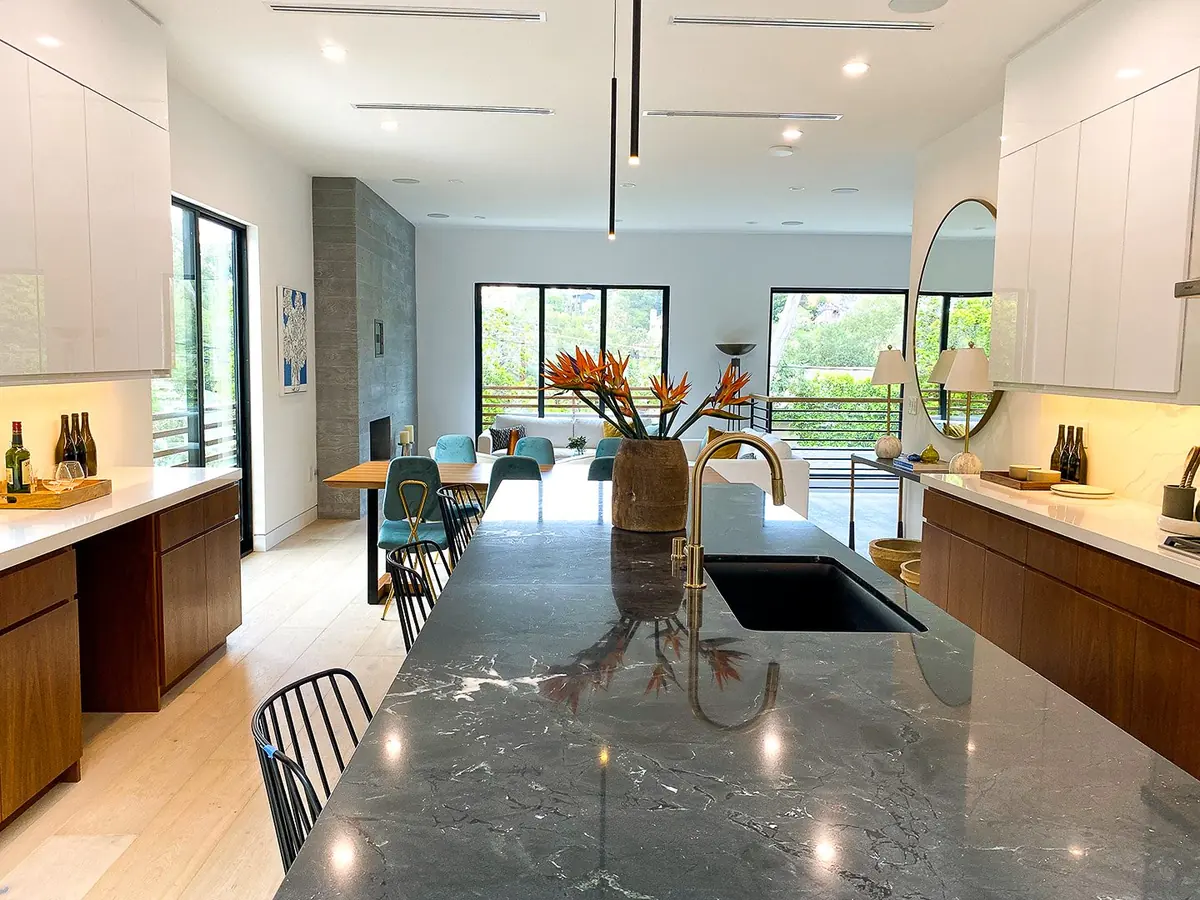
Many homes end up with a mix: architectural speakers in the kitchen, bathrooms and patio, and visible speakers in bedrooms and the office.
Step 3: Get the network right
This is where most dropouts come from. Sonos speakers can connect in two ways: directly to your Wi-Fi like any other device, or through SonosNet, a separate 2.4 GHz mesh that Sonos speakers build between themselves when one of them is plugged into Ethernet (Ubiquiti). Newer models such as Era, Move and Roam don’t support SonosNet at all and can only join Wi-Fi.
SonosNet worked well in the days of a single router. In a home with a modern mesh system or several access points, it can clash with the main network. Ubiquiti notes that Sonos devices commonly cause network loops, which can slow or even take down a network. eero recommends connecting Sonos over Wi-Fi for the best performance on its systems (eero).
The rule we follow is simple: pick one approach and apply it to the whole system.
- All wireless (most homes): every speaker on your Wi-Fi, none plugged into Ethernet, and SonosNet turned off. On current S2 systems SonosNet can be disabled in the app (Settings, Network, SonosNet), according to Ubiquiti.
- Wired (larger systems): eero suggests that for five or more speakers, Ethernet may give a better experience. Plug the wired speakers into the same switch and disable Wi-Fi on each wired speaker in the Sonos app. Keep all Sonos devices on the same network or VLAN.
Two things to avoid: a single speaker plugged into Ethernet “to help” while the rest are on Wi-Fi, and daisy-chaining Sonos units through each other’s Ethernet ports. Both are classic causes of the “it works for a day, then drops” problem.
The network also has to cover every speaker well. A speaker in a detached studio or at the far end of the yard needs a nearby access point, not hope.
Step 4: Design the home theater
A Sonos home theater starts with a soundbar (Arc Ultra, Beam or Ray) connected to the TV. Add a Sub for bass, then a pair of rear speakers for surround. In a dedicated media room, a Sonos Amp with in-wall or in-ceiling speakers can also serve as the front channels.
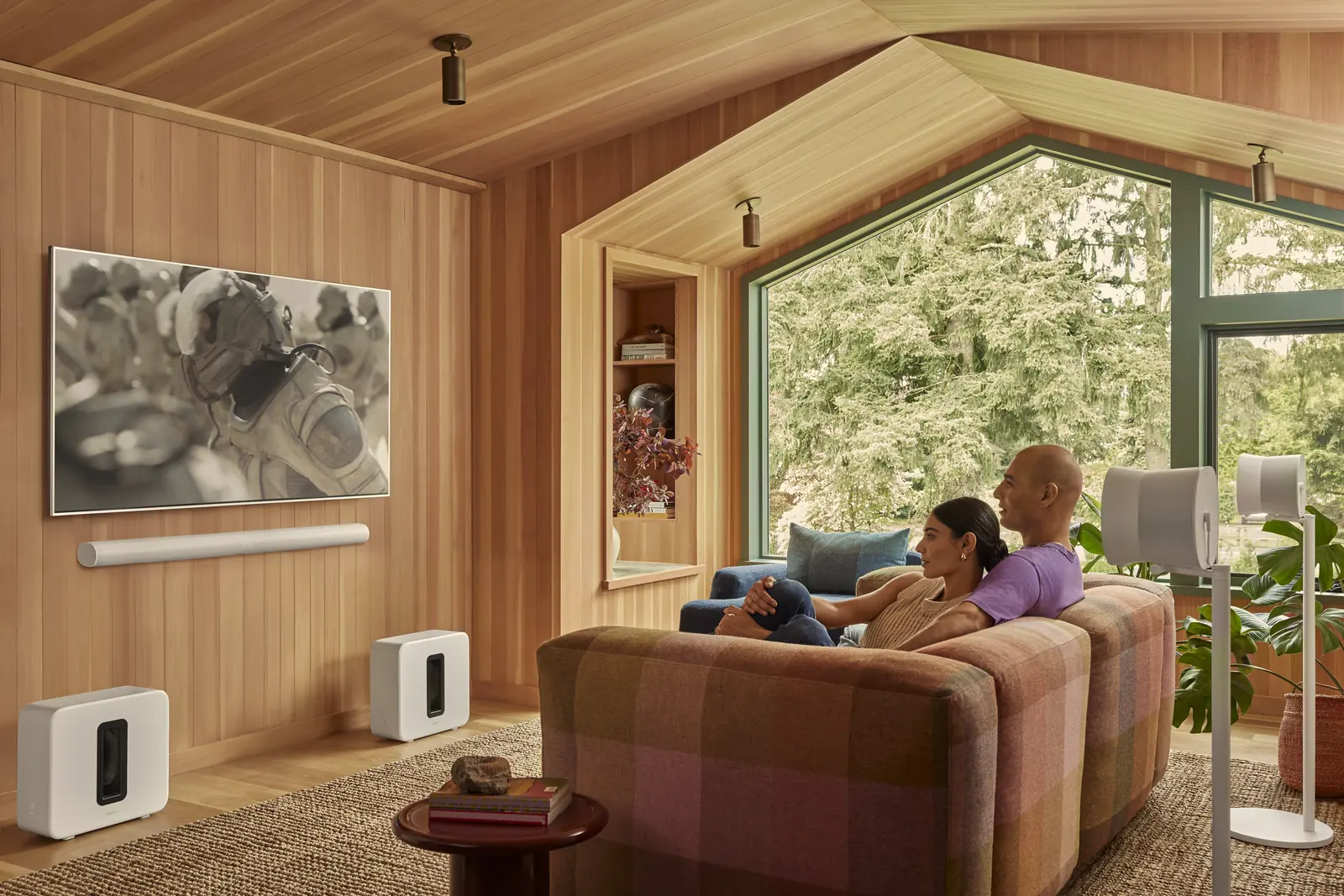
Three rules keep it reliable:
- Wire the soundbar if you can, never the surrounds or Sub. eero’s guidance is explicit: surrounds and Subs connect wirelessly to the soundbar, an Ethernet cable on one of them conflicts with that link, and only the soundbar should ever be wired.
- Keep the Sub and surrounds within good range of the soundbar. Walls and large appliances weaken the link between them. If several home theater speakers drop out at once, check the soundbar first.
- Plan power and placement before furniture. Surrounds need an outlet or a speaker stand with hidden power; a Sub needs a spot where it isn’t boxed in by cabinets.
For a room that’s mainly for movies, a dedicated theater with a projector, acoustic treatment and a separate receiver may be the better choice. Sonos is ideal when the TV room is also a living room.
Step 5: Tune and finish
- Run Trueplay. It measures how sound reflects off walls, furniture and other surfaces, and adjusts each speaker to suit its room. Sonos recommends running it again whenever you move a speaker or change a stereo pair (Sonos). Most products need an iPhone or iPad for advanced tuning; some newer models can also tune themselves.
- Name rooms clearly. “Kitchen,” “Patio,” “Primary Bath,” not “Living Room 2.” It makes the app and voice control painless for everyone in the house.
- Add simple controls. Many people don’t want to open an app just to start music. A keypad by the door or a button in the kitchen can start a favorite playlist; Lutron keypads can control Sonos, and Sonos speakers support AirPlay from an iPhone.
- Set volume limits for outdoor zones and kids’ rooms.
Common Sonos mistakes we fix
- One speaker wired to the router while the rest run on Wi-Fi.
- Surrounds or a Sub plugged into Ethernet.
- Old Boost units still creating SonosNet next to a new mesh system.
- Too few in-ceiling speakers in a large room, so it’s loud under the speaker and quiet everywhere else.
- Speakers on a guest or IoT network that the phones can’t see.
Frequently asked questions
Why does my Sonos keep dropping out?
The most common causes are a mix of wired and wireless speakers, SonosNet conflicting with a mesh Wi-Fi system, and weak Wi-Fi coverage at the speaker. Choose one connection method for the whole system, turn off SonosNet if you’re on Wi-Fi, and make sure each speaker has strong coverage.
Should Sonos speakers be wired or wireless?
For most homes, wireless on a good Wi-Fi network works best. For larger systems of five or more speakers, wiring them to the same switch and disabling Wi-Fi on the wired units can be more stable. Avoid mixing the two at random.
Can I wire my Sonos Sub or surround speakers?
No. Surrounds and the Sub connect wirelessly to the soundbar. Only the soundbar should be connected by Ethernet.
How many in-ceiling speakers can one Sonos Amp power?
Up to three pairs of Sonos Architectural speakers, or two pairs of 8-ohm third-party speakers, according to Sonos.
Planning whole-home audio or a new home theater?
We design, wire and tune Sonos systems that just play, from one room to the whole house.
Related reading
Sources
- Ubiquiti Help Center, Best Practices for Sonos Devices
- eero Support, How do I fix Sonos connectivity issues on my eero network?
- Sonos Support, Connect six Sonos Architectural speakers to Amp
- Sonos Support, Tune your Sonos speakers with Trueplay